Latest community mods
View all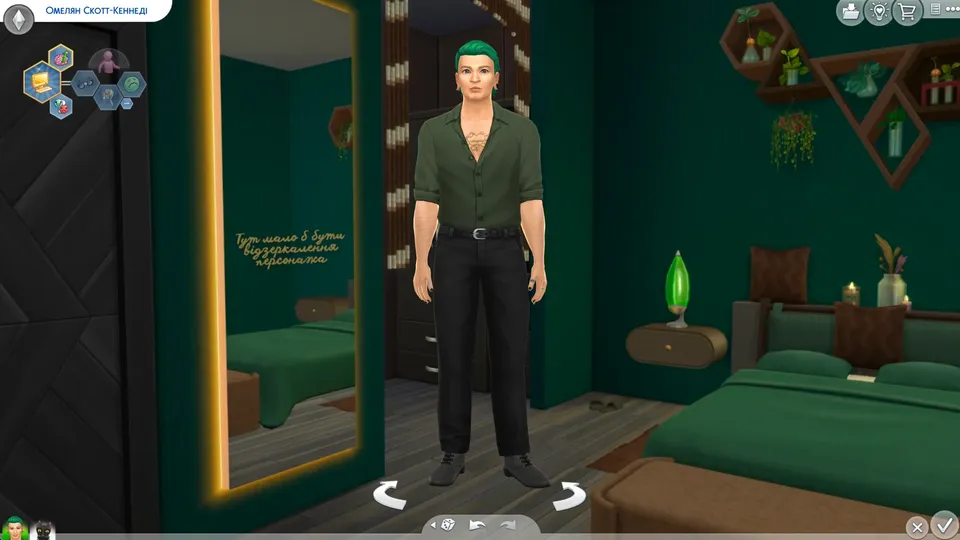
572
462
672
Create your own backgrounds, paintings, posters, rugs, and wallpapers for The Sims 4. Download ready-made mods from collections or share your creations with the community.
Choose which corner of your game deserves a makeover first.
Give your main menu a fresh new look.
Create a modMake the wait more pleasant and your Plumbob a little more special.
Create a modGive your family tree a personal touch.
Create a modTime to give not just your Sim, but CAS itself a makeover!
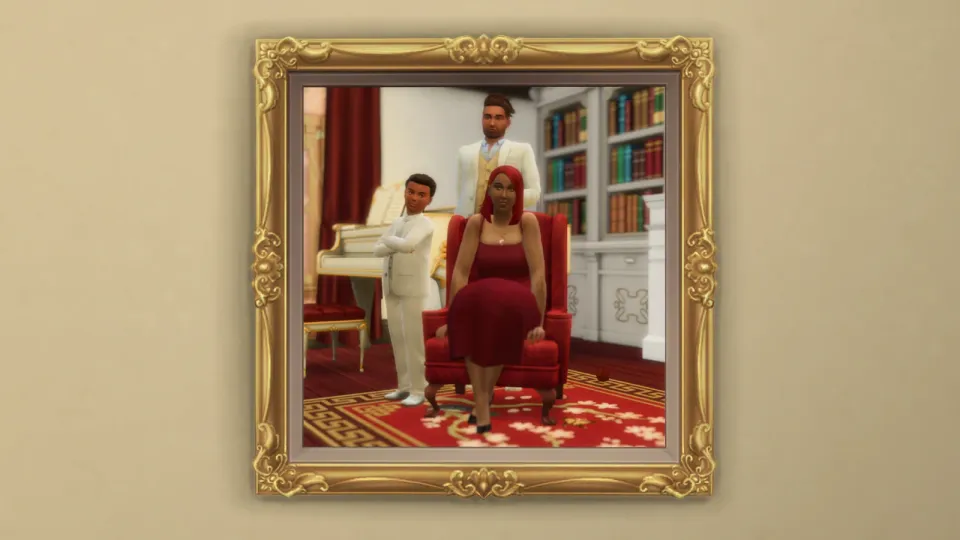
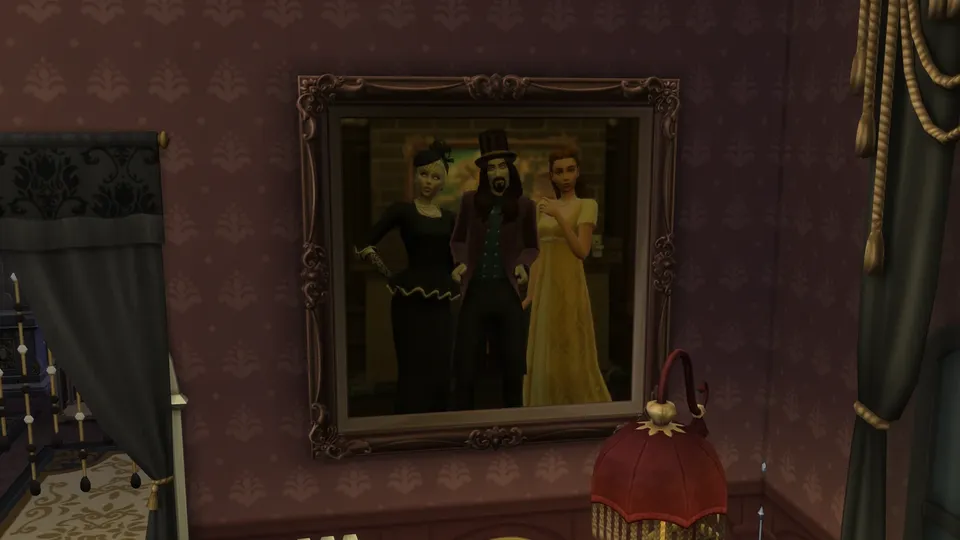
Create a modCreate a framed painting from your image.
Create a modTurn a photo or illustration into an unframed poster.
Create a modTime to refresh your walls with custom wallpaper!
Create a modAdd some personality to any room with a custom rug.
Create a mod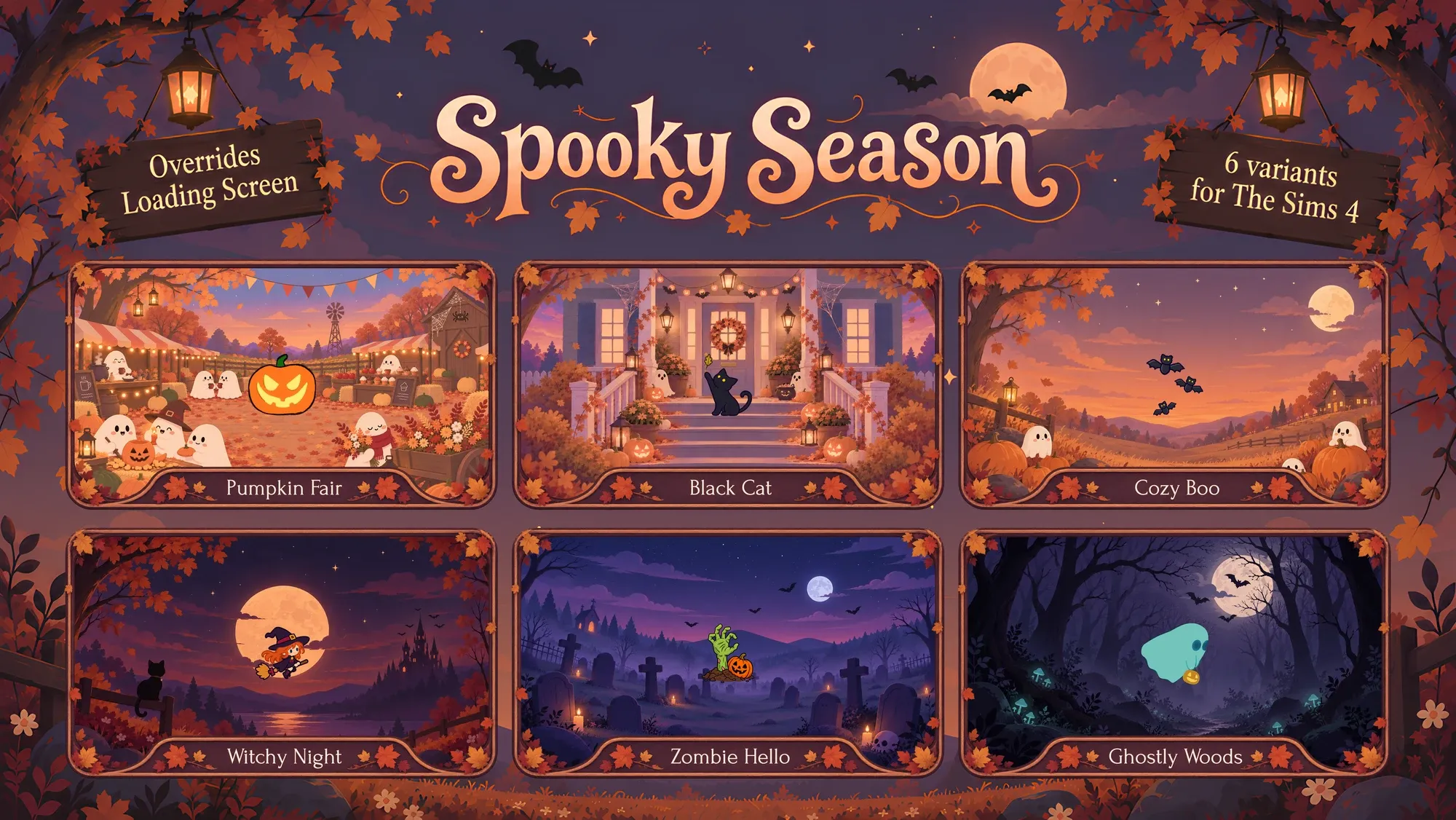
Add a little autumn coziness and spooky charm to your game! Choose from six Halloween-themed loading screens.
Explore collection →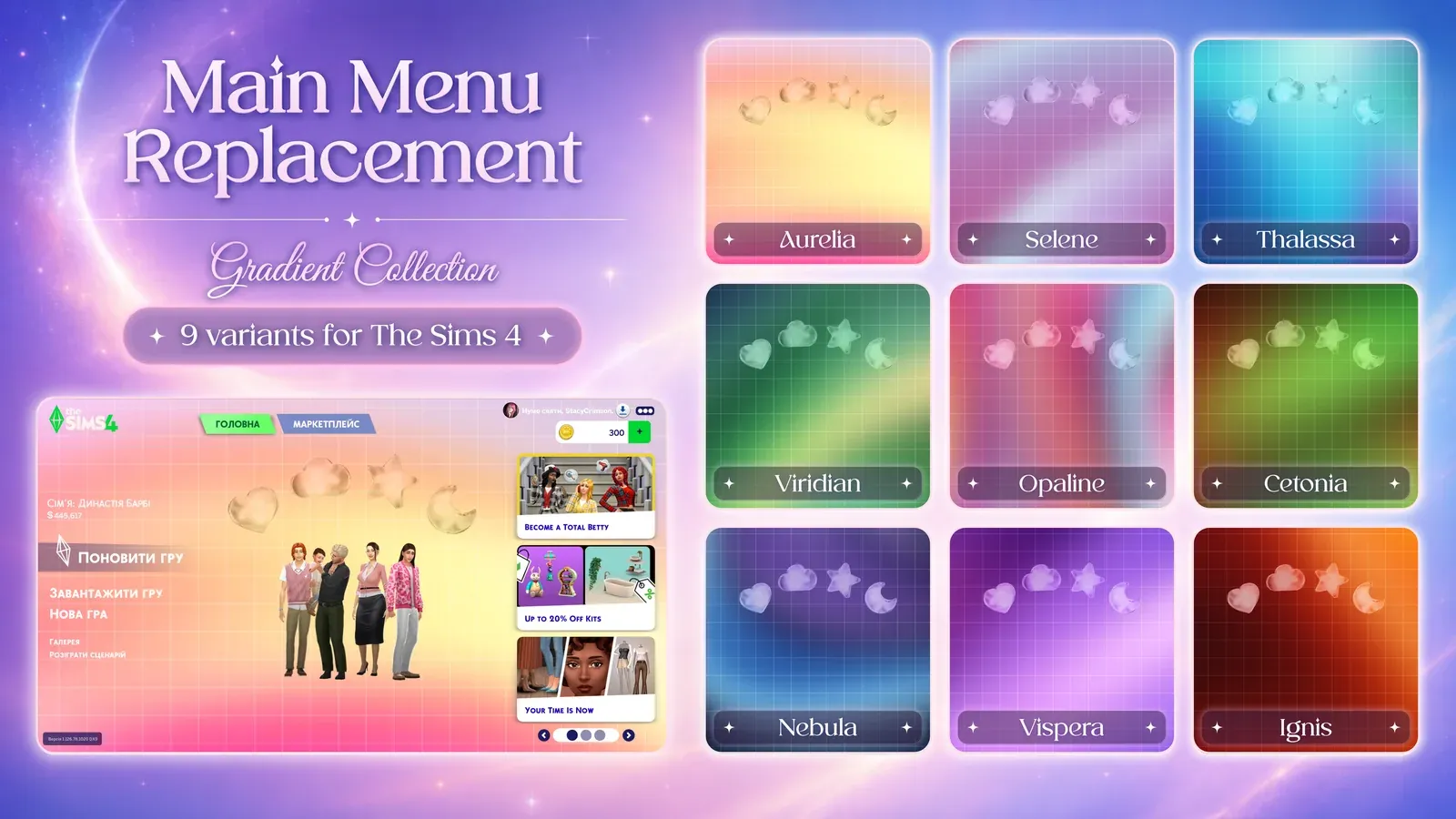
Add a splash of color to your main menu! Choose from nine gradients to find the one that best matches your game's vibe.
Explore collection →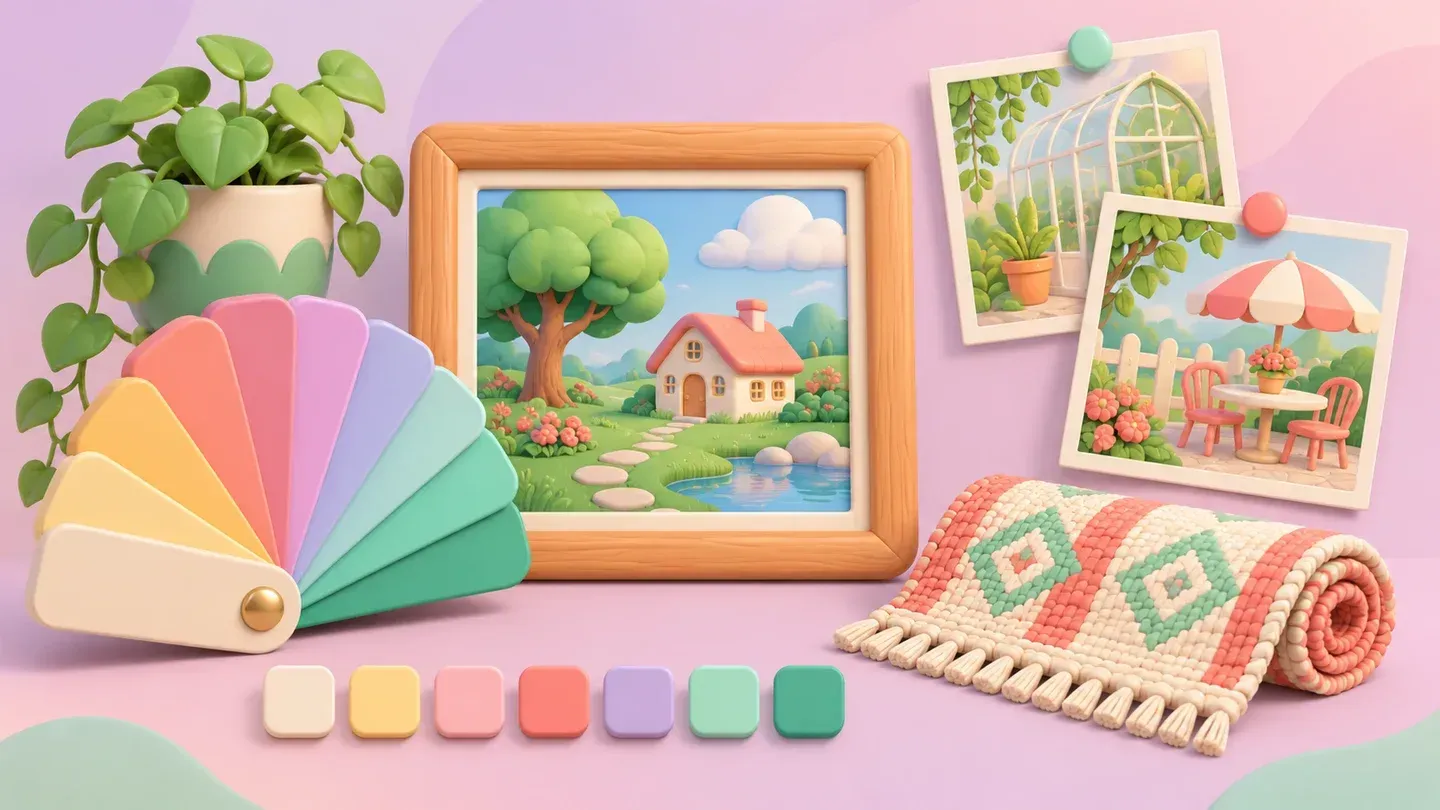
Make a background without an image, add up to 15 poster swatches, or pick from eight painting and eight rug models.
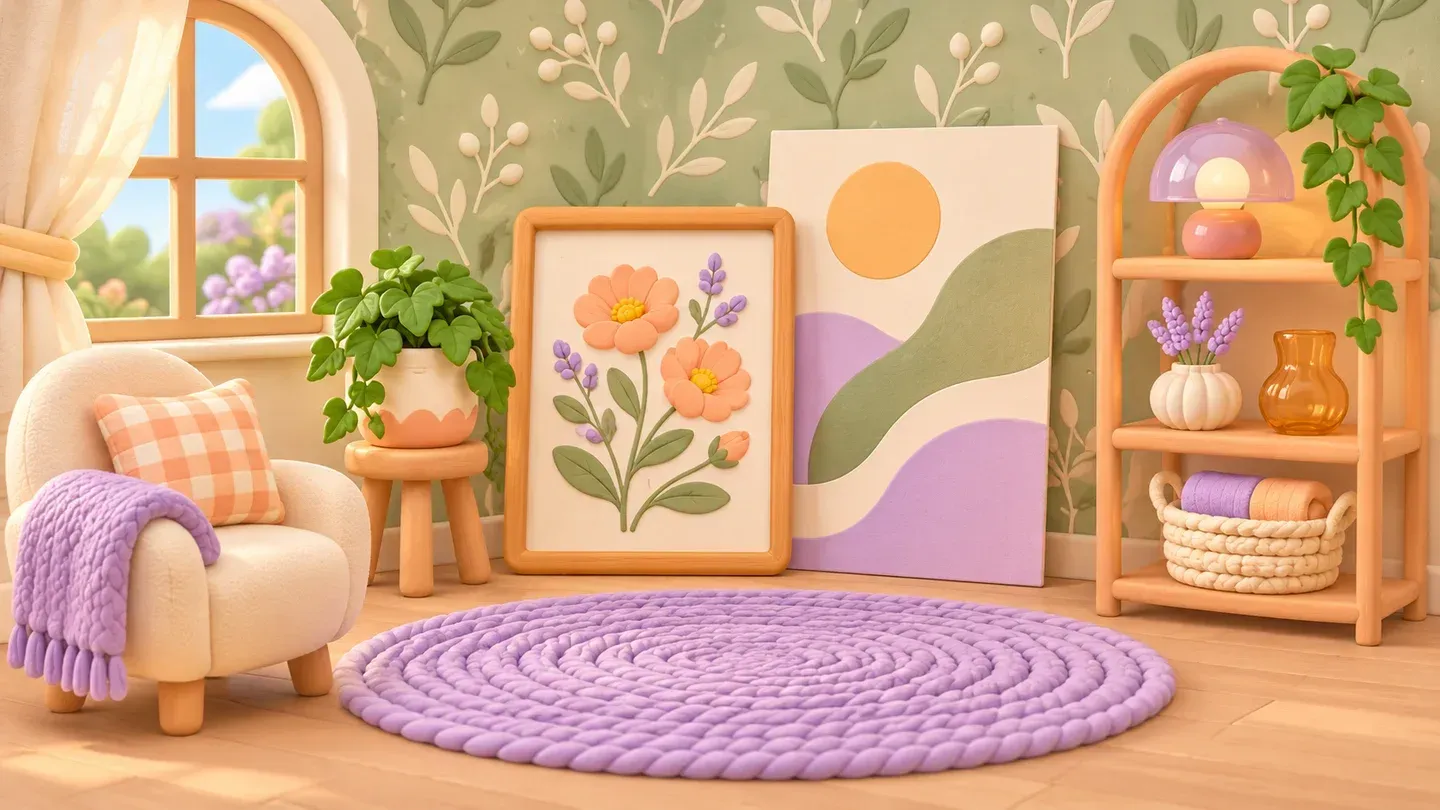
Create custom paintings, posters, rugs and wallpapers for The Sims 4 and share them with the community.
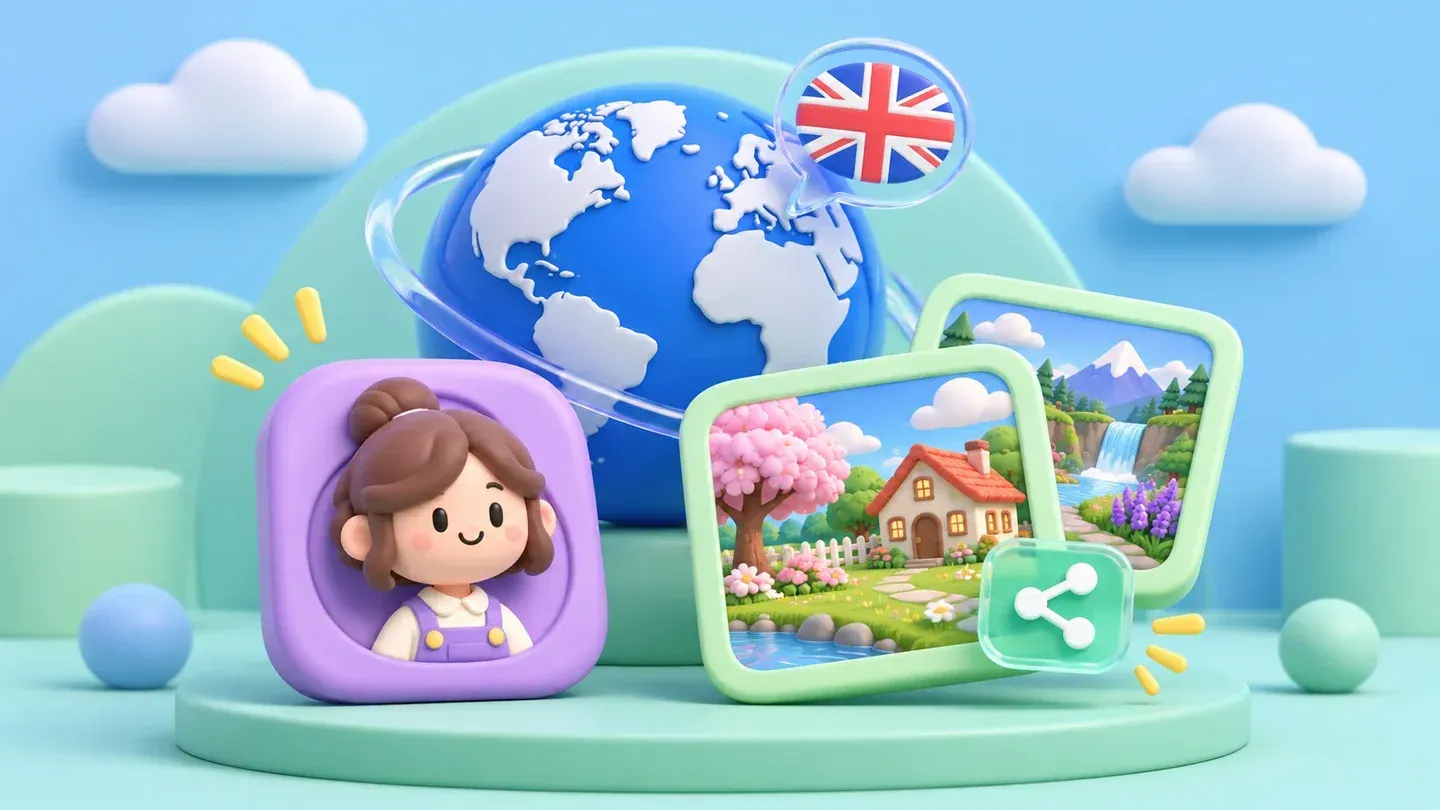
Switch the site language, manage your creations in your account and share mods with other players.
Generators create mods in your browser. Files are not uploaded unless you choose to save them to history or publish them. These options upload the generated .package with its artwork to the server. History is private; publications are moderated.
Eight generators let you customise the main menu, loading screen, family tree and CAS, and create paintings, posters, rugs and wallpapers. Backgrounds replace the relevant screen; objects are added as separate catalogue items. All generators run in your browser and produce a ready-to-use .package.
Nope. The generator builds a ready-to-use .package file. All you need to do is move it into your Mods folder and launch the game.
No. You can create and download mods without registering. An account is needed to save generated mods to history or share them in Community mods. Saving to history is optional and off by default.
Register, confirm your email and open My mods. Upload a .package up to 20 MB or choose one from history, add a preview and fill in the description. Once approved, your submission appears in Community mods.