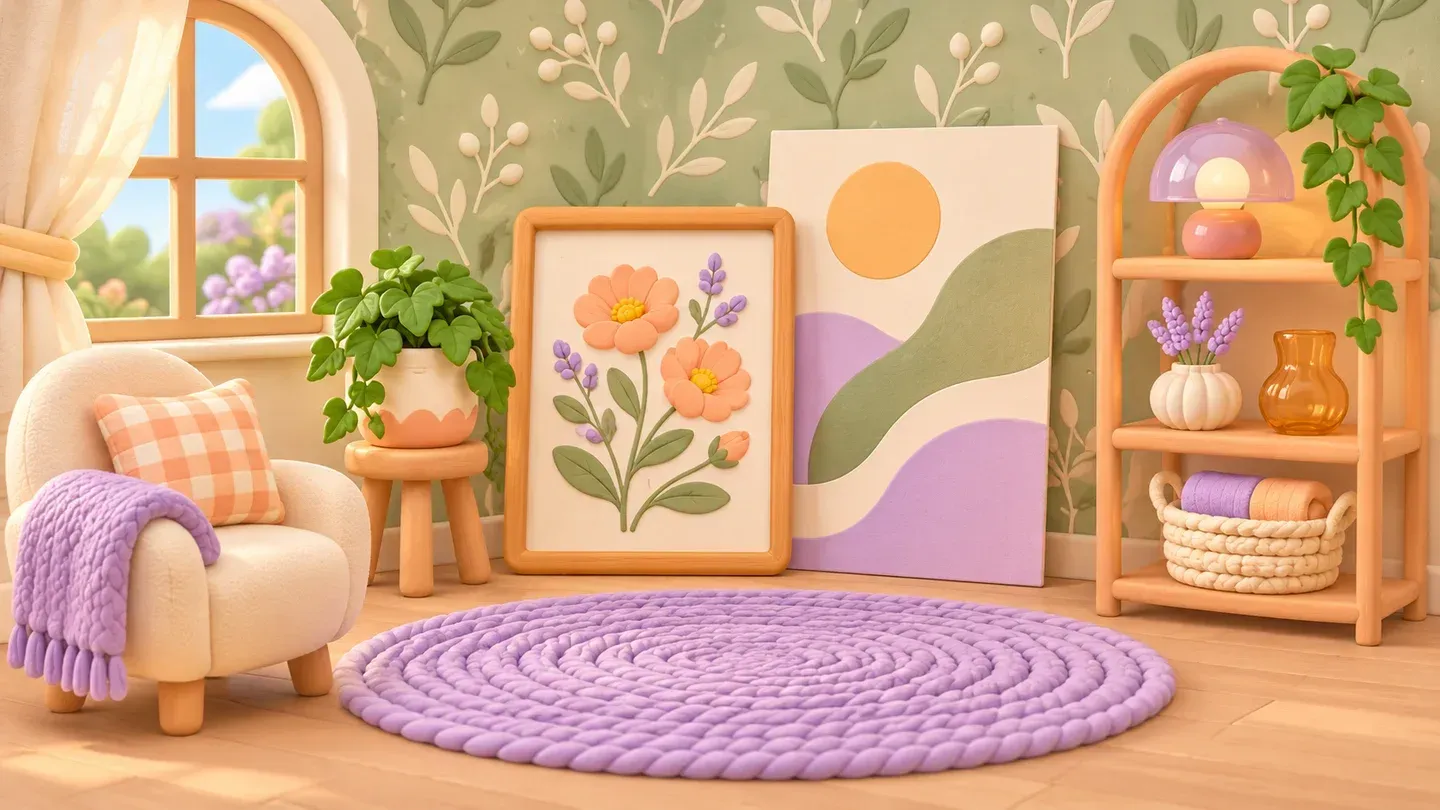
Three tools for decorating homes in The Sims 4 have joined the background generators on Sims Tools. You can now turn an image into a painting, poster, rug or wallpaper and use your own illustrations, favourite photos or patterns in your builds.
What you can make
Paintings and posters. Upload an illustration or photo and choose how to display it on a wall: in a frame or as a poster.
Rugs. Upload a pattern or design and adjust how it fits the shape of the rug.
Wallpapers. Turn an image into a wall covering. If you want a repeating pattern, start with an image whose edges line up as it tiles.
Each generator lets you preview the result, set the item's name and price, and download a ready-to-use .package file. Your creations appear as separate items in the in-game catalogue.
What’s next
I’m continuing to refine them and plan to add more models and support for multiple swatches per object. That will let you keep several designs together in a single catalogue item.
Made something you’d like to share? Publish it in Community Mods. You can also browse and download creations from other players there.